

TRANSFER Photos & Videos FROM another iPhone or iPod touch to this iPad
Note: To transfer photos & videos between two devices both of them must have this application installed and running.
Make sure that both devices are connected to the same Wi-Fi network.
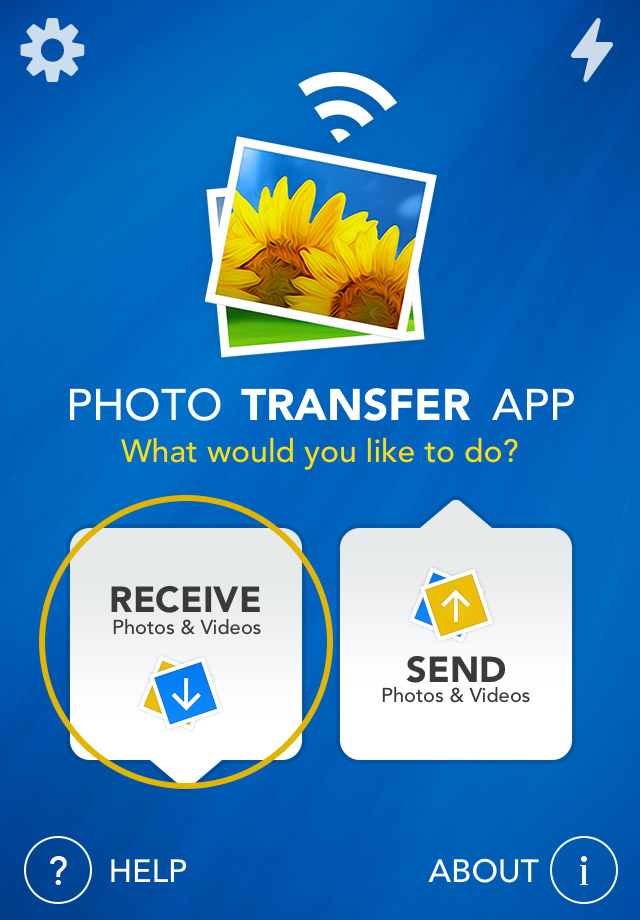
1 Open 'Photo Transfer' app and touch "RECEIVE" button.
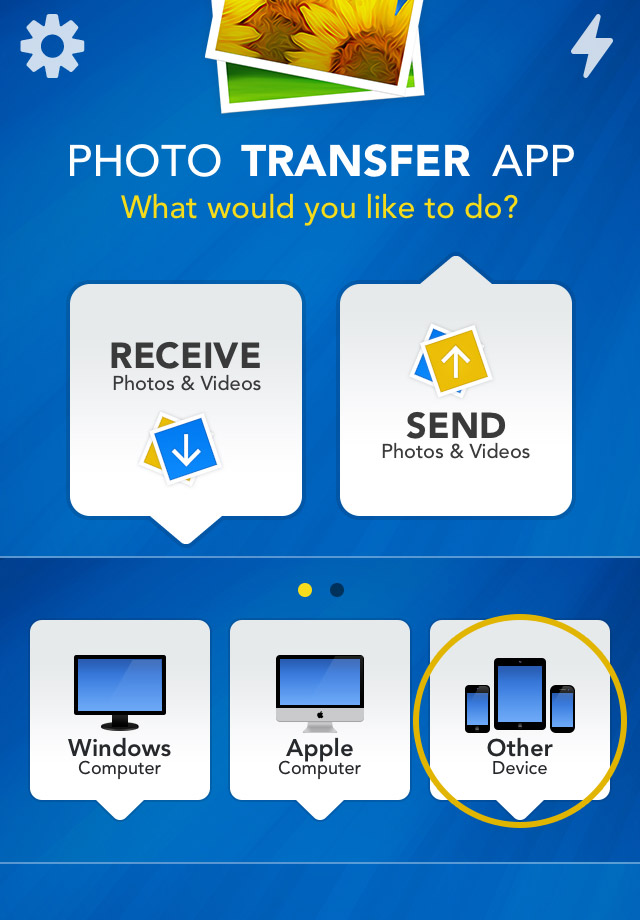
2 Touch the "OTHER Device" button.
2 - 1 On the Sender Device SELECT (see how) SELECT (see how) photos & videos you want to transfer to this device.
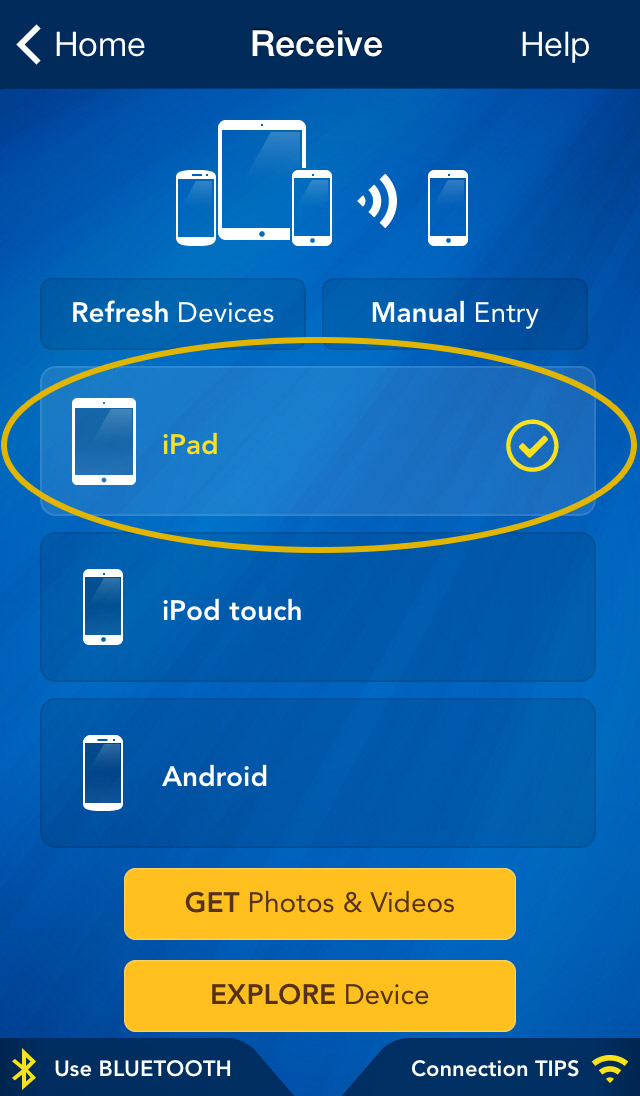
3 Tap "GET Photos & Videos" button to start transfer.
Done !
If the devices are not detecting each other please read this: Connecting DevicesConnecting Devices.
To view the photos or videos you transferred, open the 'Photos' app on the receiving device.












Note: iDevice refers to an iPad, iPhone, iPad mini or iPod Touch
NEED HELP ?
Get answers,
consult our Help Pages
for iPhone for iPad for Android for Plugins
Contact [email protected]